

Sign in to account
Updated January 16, 2025
- Go to admin.courtwin.io.
- Enter your email and password.
- Then, click on the “Sign In” button
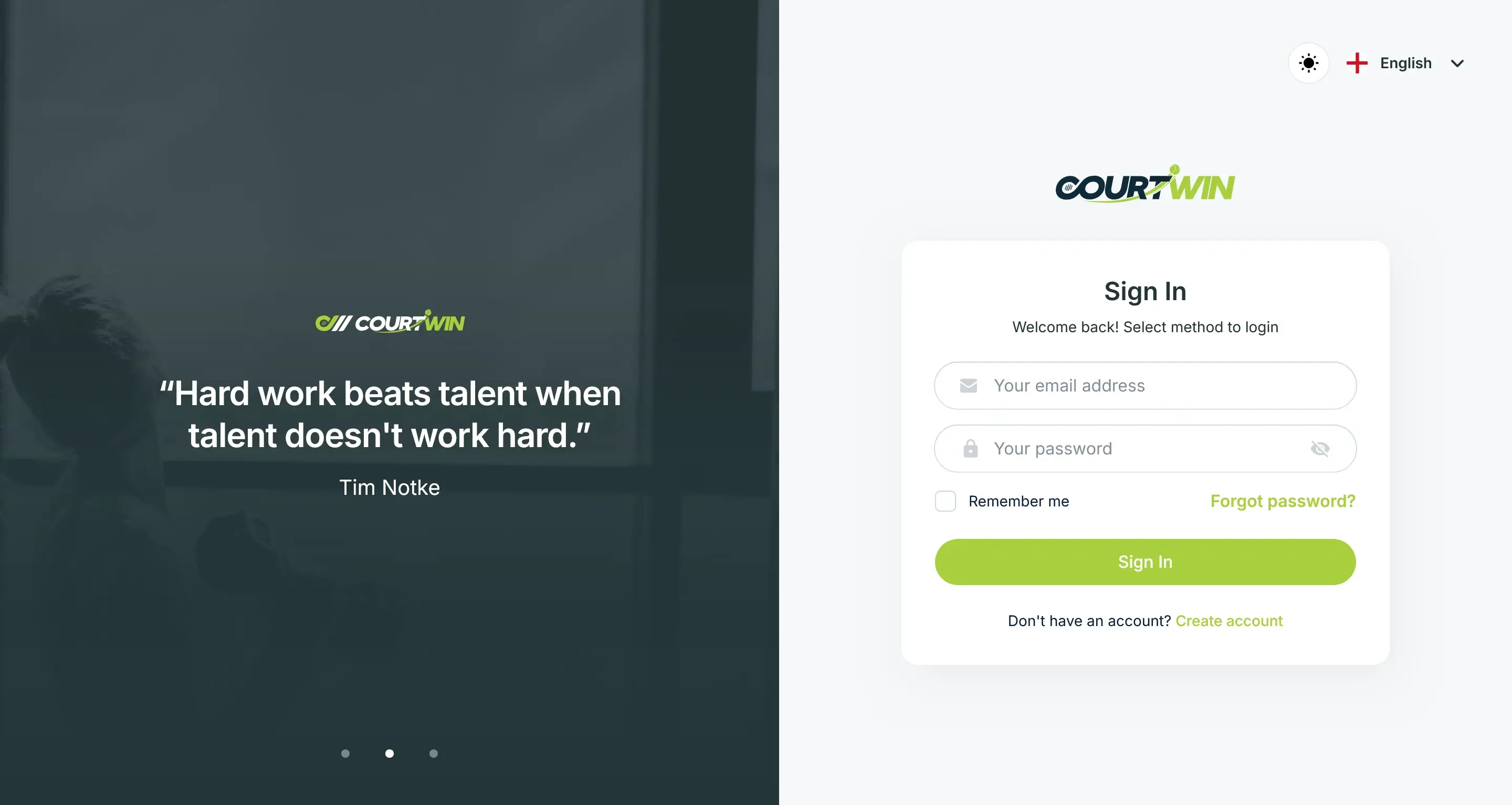
How “Remember me” feature work?
This feature allows you to stay signed into your account on a trusted device even after closing the browser. If selected, it saves your login credentials securely, so you don’t need to re-enter them each time you visit Courtwin Admin.
⚠️ For security purposes, avoid using this feature on shared or public devices.
How if I forgot my password?
No worries—it happens to everyone! We've got simple steps to help you recover the access quickly and easily:
- In the Sign In page, click “Forgot password?”
- Enter your email and click the “Send Reset Instructions” button
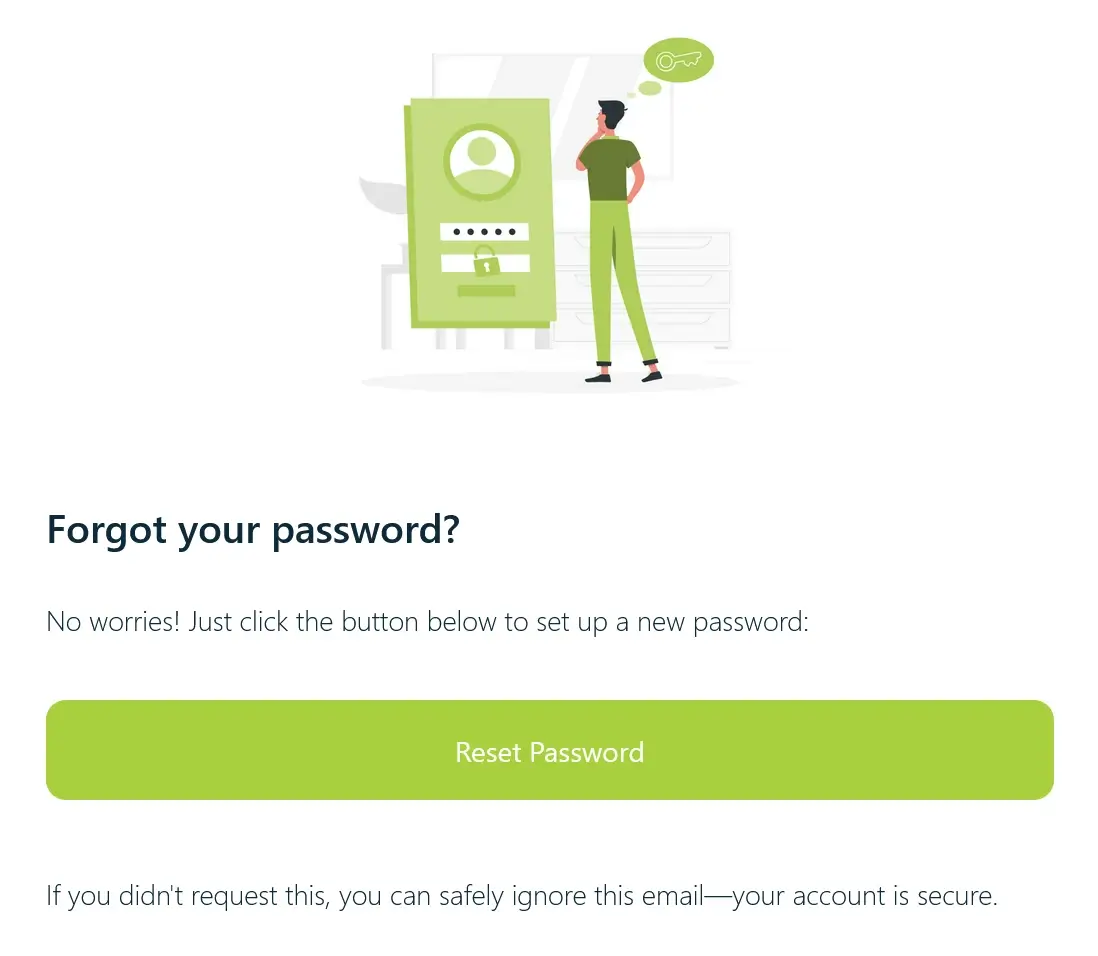
- We’ll send the link to reset your password and recover your account through email. Please check your Inbox and Spam regularly.
- Click the “Reset Password” button and set up your new password.
Log out from an account
- Tap on the profile picture in the upper right corner of the webpage.
- Click the Log out button.
Did this guide help?