

Setting the Price Portion
Updated January 16, 2025
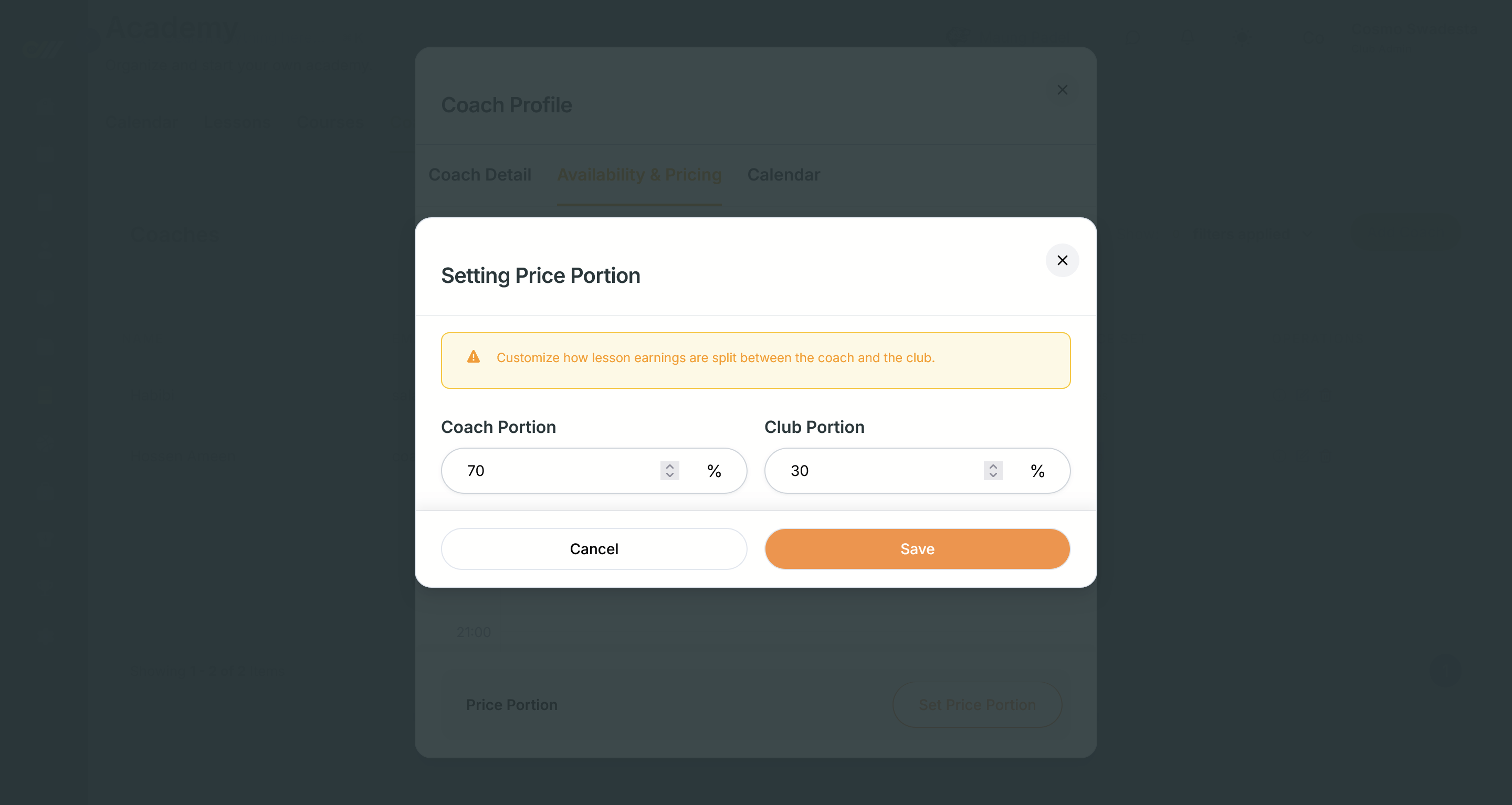
This price portion is the division of earnings between the coach and the club. The price portion is determined in percentage form. Follow these steps to determine the price portion:
- Go to Academy page > Coach tab > Operations column > Availability & Pricing tab. > Set Price Portion button
- Determine the Coach Portion from the earnings.
- Determine the Club Portion from the earnings.
- Tap on the Save button.
ℹ️ Remember that the coach portion and club portion must be 100% in total.
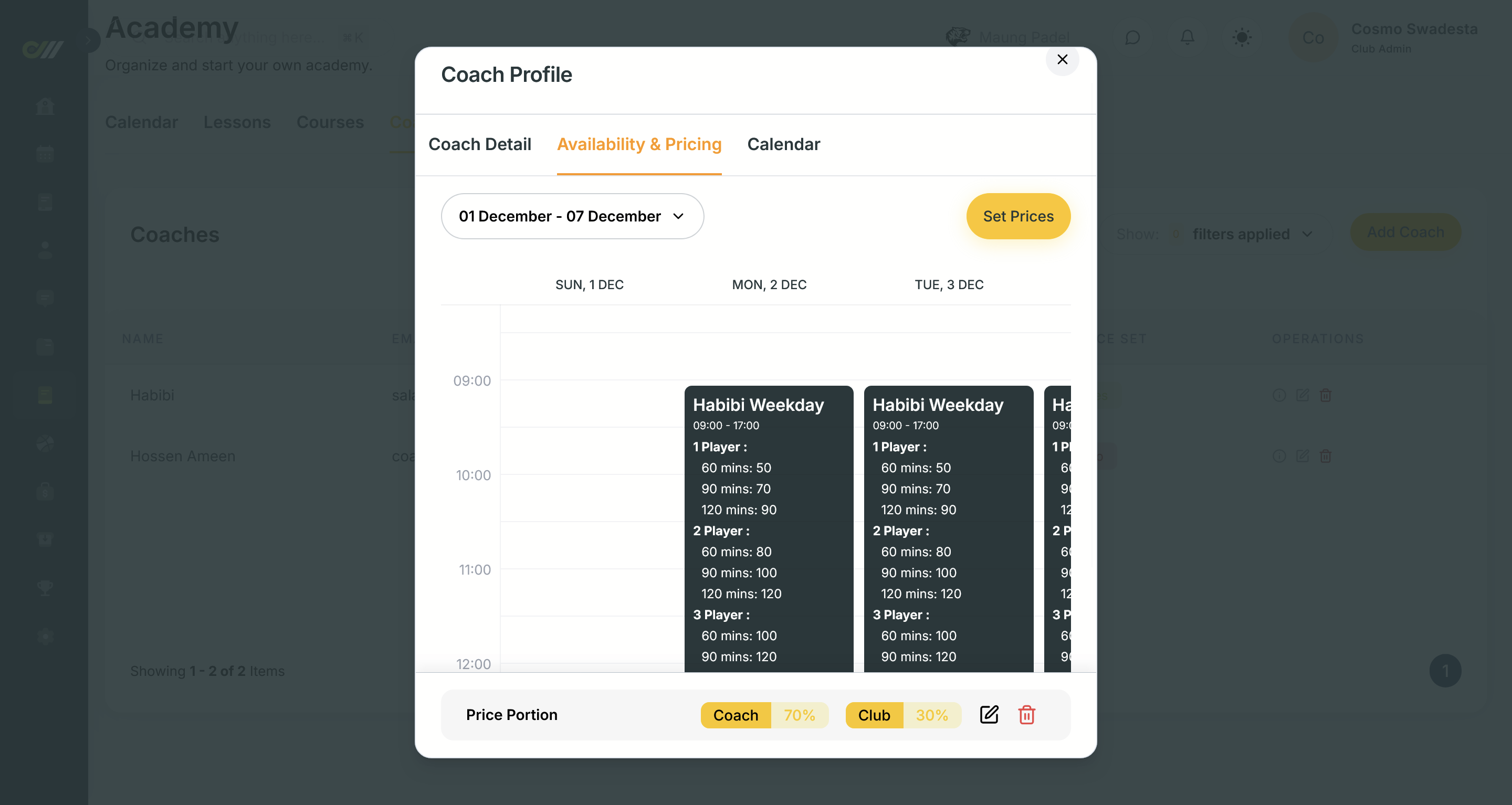
ℹ️ If you want to edit and remove the price portion in other conditions, you can go to the same location: Academy page > Coach tab > Operations column > Availability & Pricing tab.
Did this guide help?